Receipts and labour land on the job.
Sample Deck Renovation
ActiveRecorded job costsCA$9,240.00
- Labor
- CA$3,590.00
- Materials
- CA$4,380.00
- Fuel
- CA$420.00
- Other
- CA$850.00
Receipts and labour records, linked to the same job.
For contractors and service trades
Schedule crews, track job costs and bill clients from one workspace, in the office and in the field.
Framing is complete. Decking and railings are next.
Jordan Lee · May 21Interactive project workspace · sample data
The project record
Receipts, hours, client updates, estimates and invoices are saved to the job they belong to. No piecing together six apps to answer one question.
Scan, check and file each purchase to the job.
Crew, date and job-site address in one place.
Clock-ins, breaks and approved time.
Photos, messages and approvals.
Scope, price and change orders.
Amount due, payments and open balance.
Job costs and billing
A receipt becomes a project cost. Costs update the job position. Invoices and payments stay on the same job.
Receipts and labour records, linked to the same job.
Project profitability
A view of the sample contract and costs recorded so far. Remaining job costs and overhead are not included. This is not a forecast of final profit. Payments received are tracked separately.
Connect your Stripe account so clients can pay from a secure invoice link or their portal. Confirmed payments update the invoice balance.
Ordvero adds no platform fee on online payments — standard Stripe processing fees still apply.
See project receipt tracking| Invoice | Client | Status | Total | Unpaid | Open |
|---|---|---|---|---|---|
| ProgressMay 18 | Example HomeownerSample Deck Renovation | OverdueDue Jun 1 · 144 days late | CA$7,500.00 | CA$7,500.00 | |
| ProgressMay 10 | Example HomeownerSample Deck Renovation | PaidPaid in full | CA$4,250.00 | — | |
| ProgressMay 2 | Example HomeownerSample Deck Renovation | PaidPaid in full | CA$4,000.00 | — |
Office, field and client
The office plans it, the crew records it, the client sees it. All on the project.
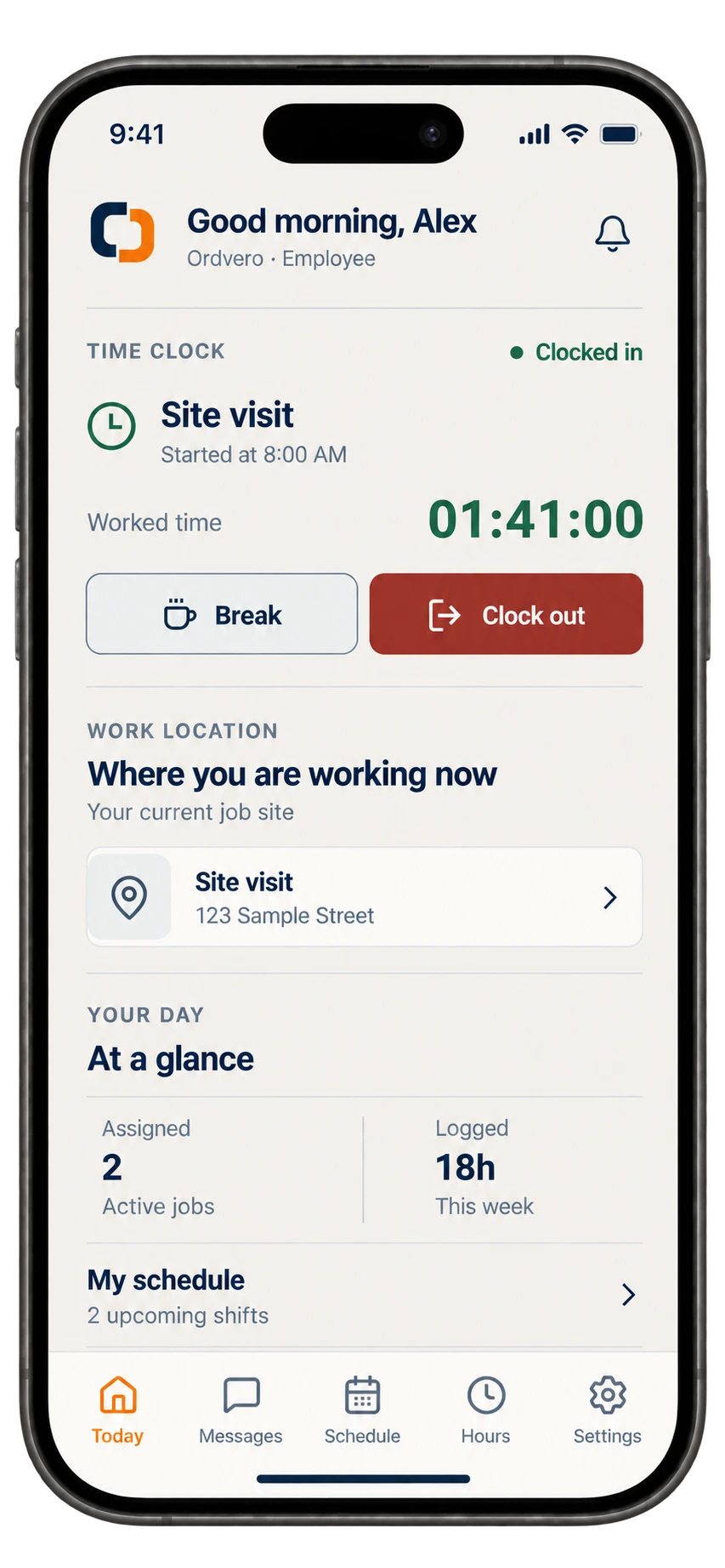
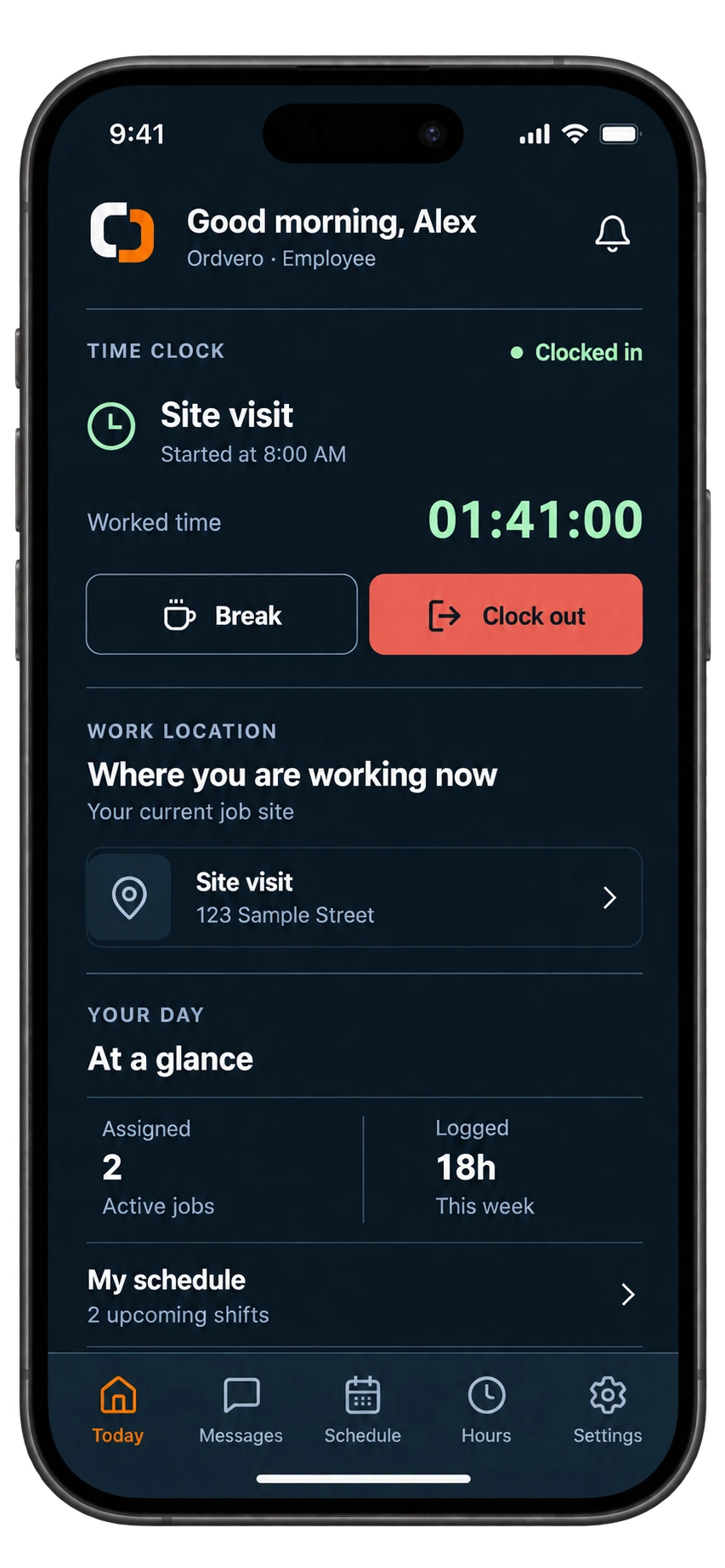
Bookings, messages, photo updates and approvals stay with the job, not in a text thread.
iOS and Android apps show the next job, the clock and quick capture. Owners, managers and employees each see what they need.
Workflows
Start with the job you need to get under control, or pick your trade.
Pricing in CAD
Every plan includes the full workspace. Plans differ by team size, receipt scans and storage.
14 days free for new workspacesThe complete workspace for one owner.
CA$39CAD / month
The same workspace with room for a small team.
CA$109CAD / month
The same workspace with more team and storage capacity.
CA$219CAD / month
Business phone numbers and client texting are not included in the free trial. Prices are in CAD; GST/HST is extra. Business texting is available in Canada on paid plans and coming soon in the United States.
Ordvero adds no platform fee on online payments — standard Stripe processing fees still apply. Your Ordvero subscription is separate.
Before you start
Ordvero is job management software for small and midsize service businesses. It connects clients, projects, schedules, crew time, receipts, estimates and invoices. It suits businesses doing work at job sites, from a single visit to a project with several stages.
Find your industry →Ordvero costs CA$39 a month for one user (Starter), CA$109 a month for up to 10 users (Pro) or CA$219 a month for up to 20 users (Team), plus GST/HST. Every plan includes the complete workspace; limits vary by people, receipt scans and storage. New workspaces receive a 14-day trial with no credit card required. Add a payment method before it ends to keep access; without one, the trial ends without a charge. Business phone numbers and client texting are not included in the trial.
Compare current prices and limits →Yes. Create estimates and invoices, send clients secure document links, and enable online payments for eligible invoices through your connected Stripe account. Confirmed online payments update the invoice balance. You can also record payments received elsewhere.
See estimates, invoices and payments →Yes. Ordvero has iOS and Android apps. Invite employees and give them access to the projects they work on. They can see assigned work, clock time, capture receipts and add field updates according to their permissions.
See crew time tracking →Ordvero tracks job costs and billing records. It does not replace your accounting, tax filing or bookkeeping process. Review receipt scans and time records, and reconcile missing costs before treating a project’s profit as final.
Understand the job profit review →Create the project, then add the records your team already keeps.